What it does
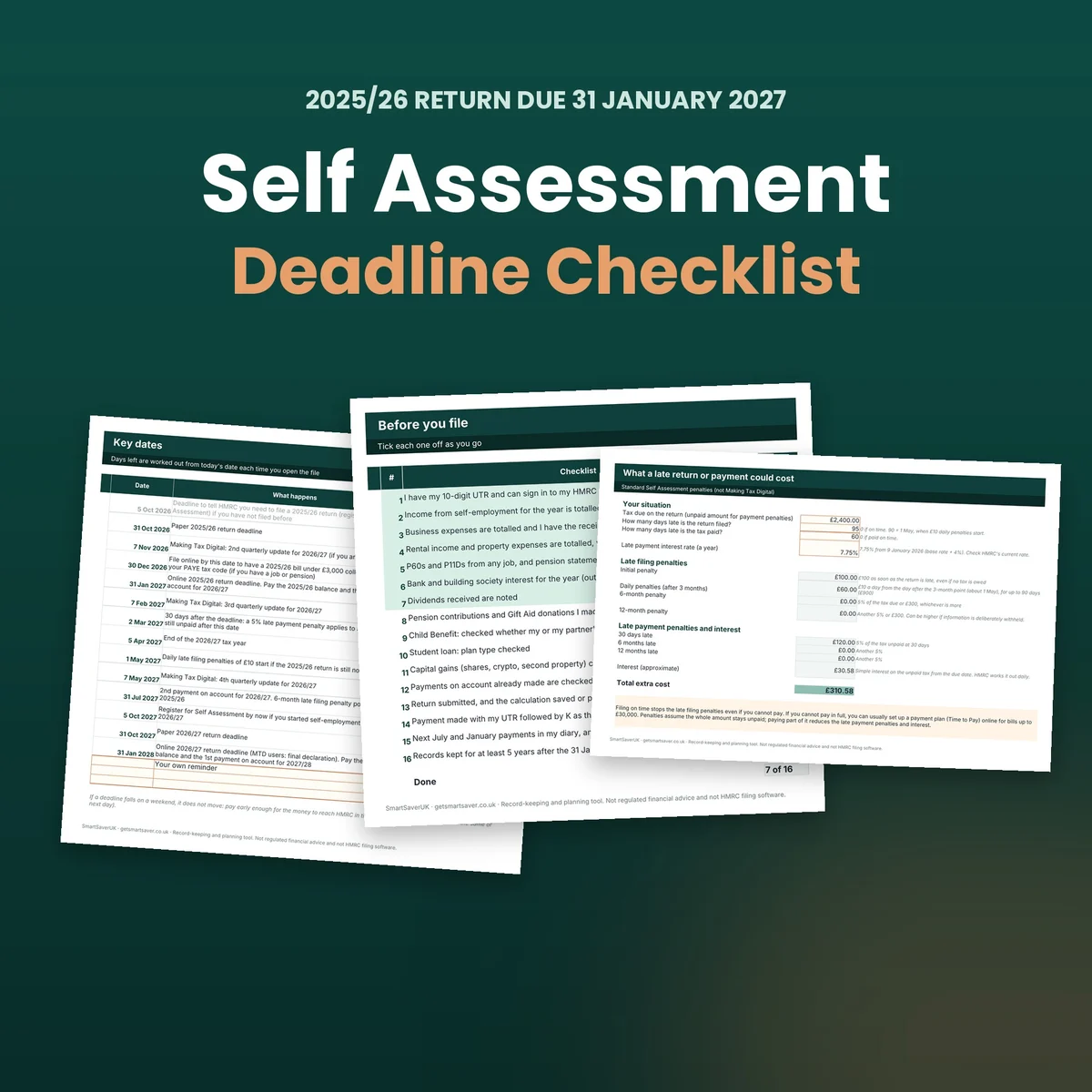
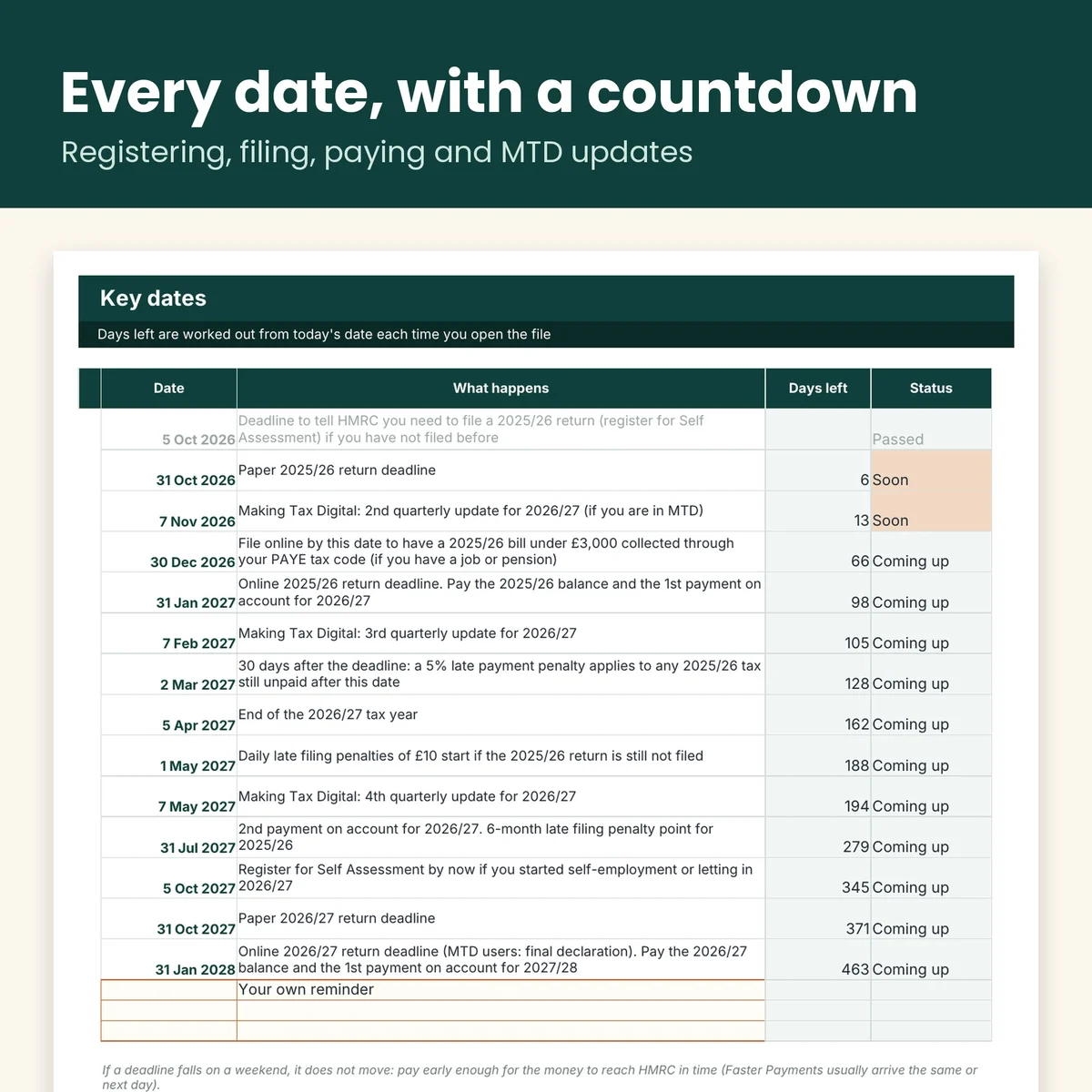
- Key Dates: registering, paper and online deadlines, the 30 December tax-code date, payments on account and Making Tax Digital quarterly updates, with days left worked out every time you open it.
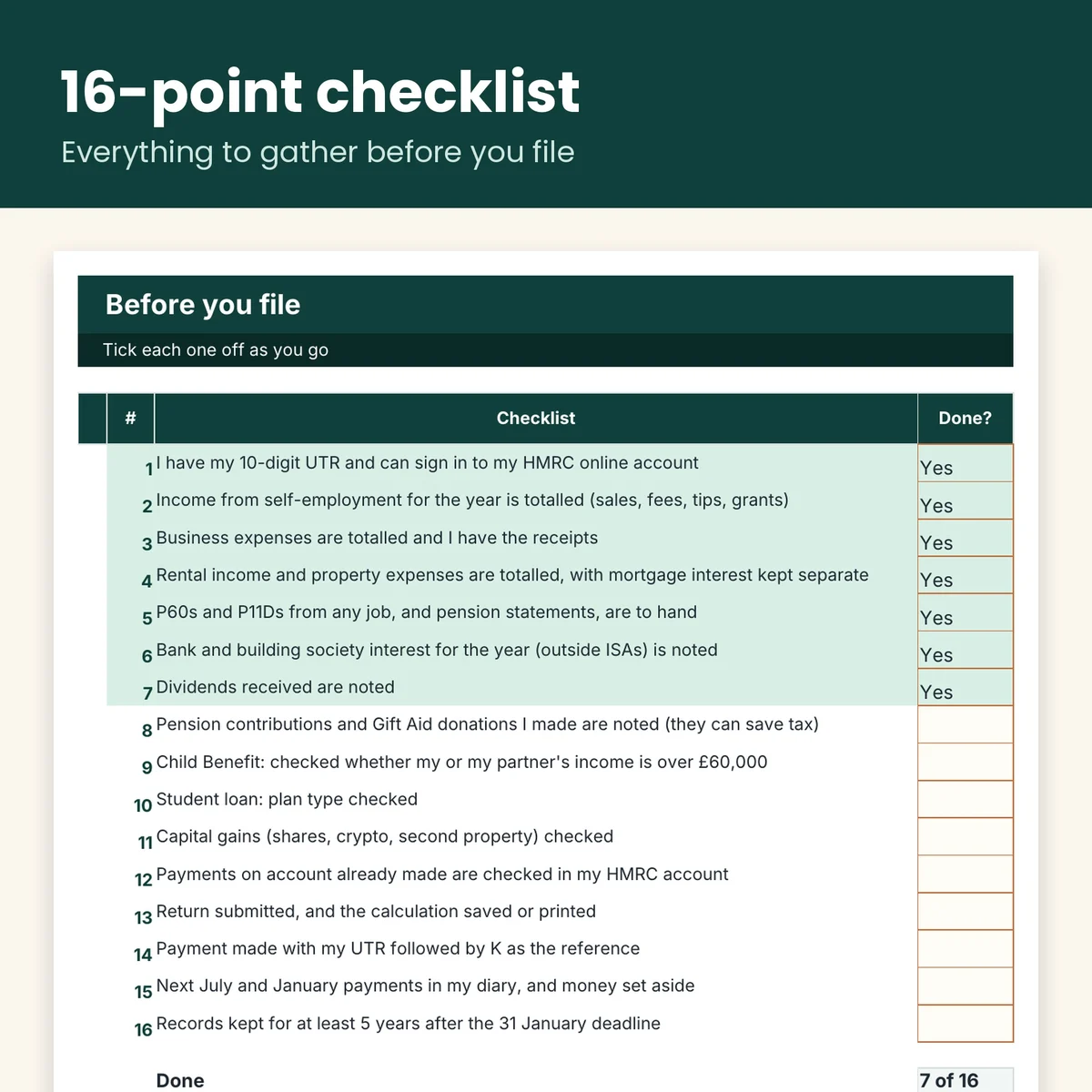
- Checklist: 16 things to gather and check before you file. It turns green as you go.
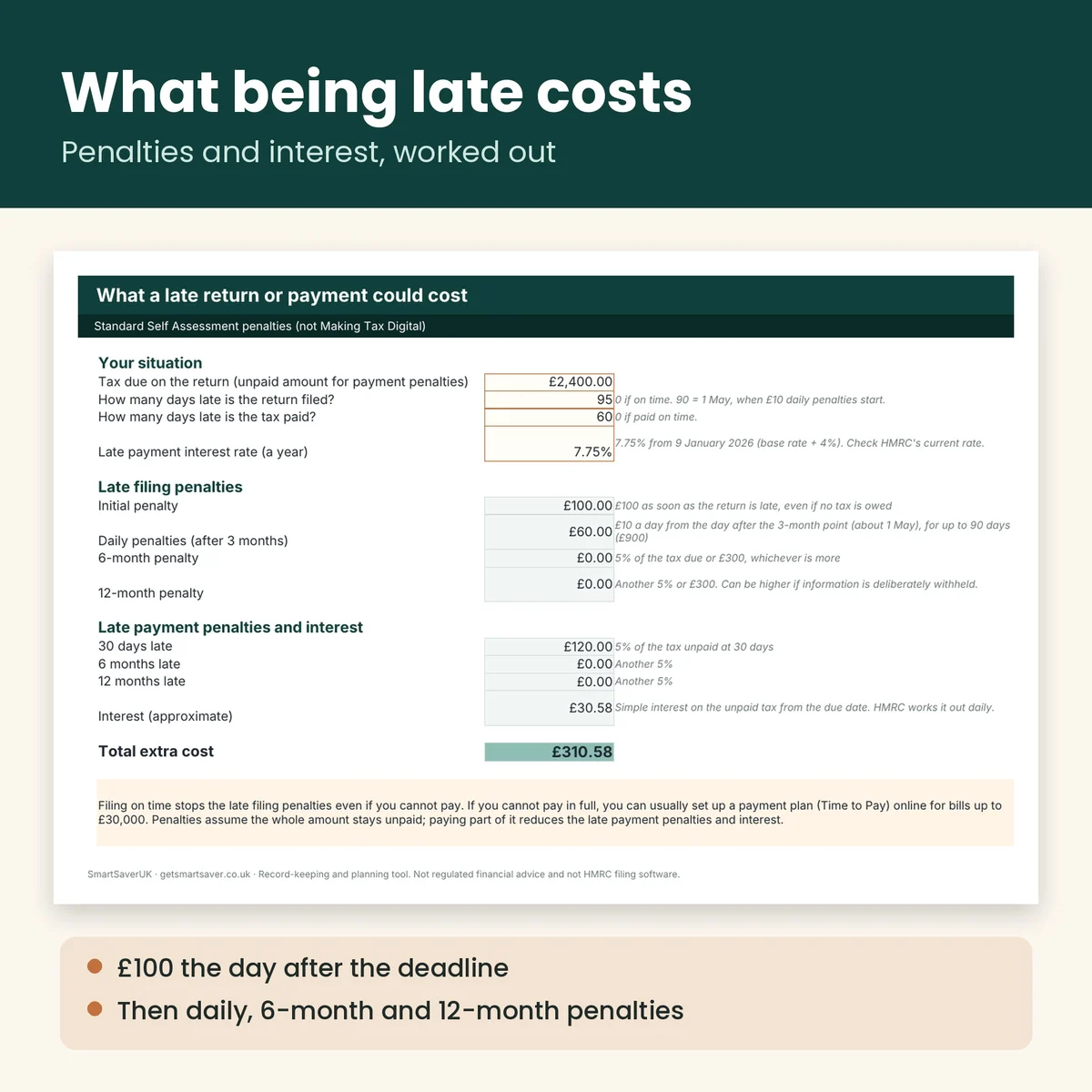
- Late Penalties: type in the tax owed and how late you might be to see the £100 penalty, daily penalties, 6 and 12-month penalties, late payment penalties and interest.
- Rates and sources: every rule with its GOV.UK page.
Made for
Anyone filing a UK Self Assessment return who wants every date and a checklist in one place.
Not the right fit for
People in Making Tax Digital who need software to file (the penalties differ; explained inside).
Do I need Microsoft Excel?
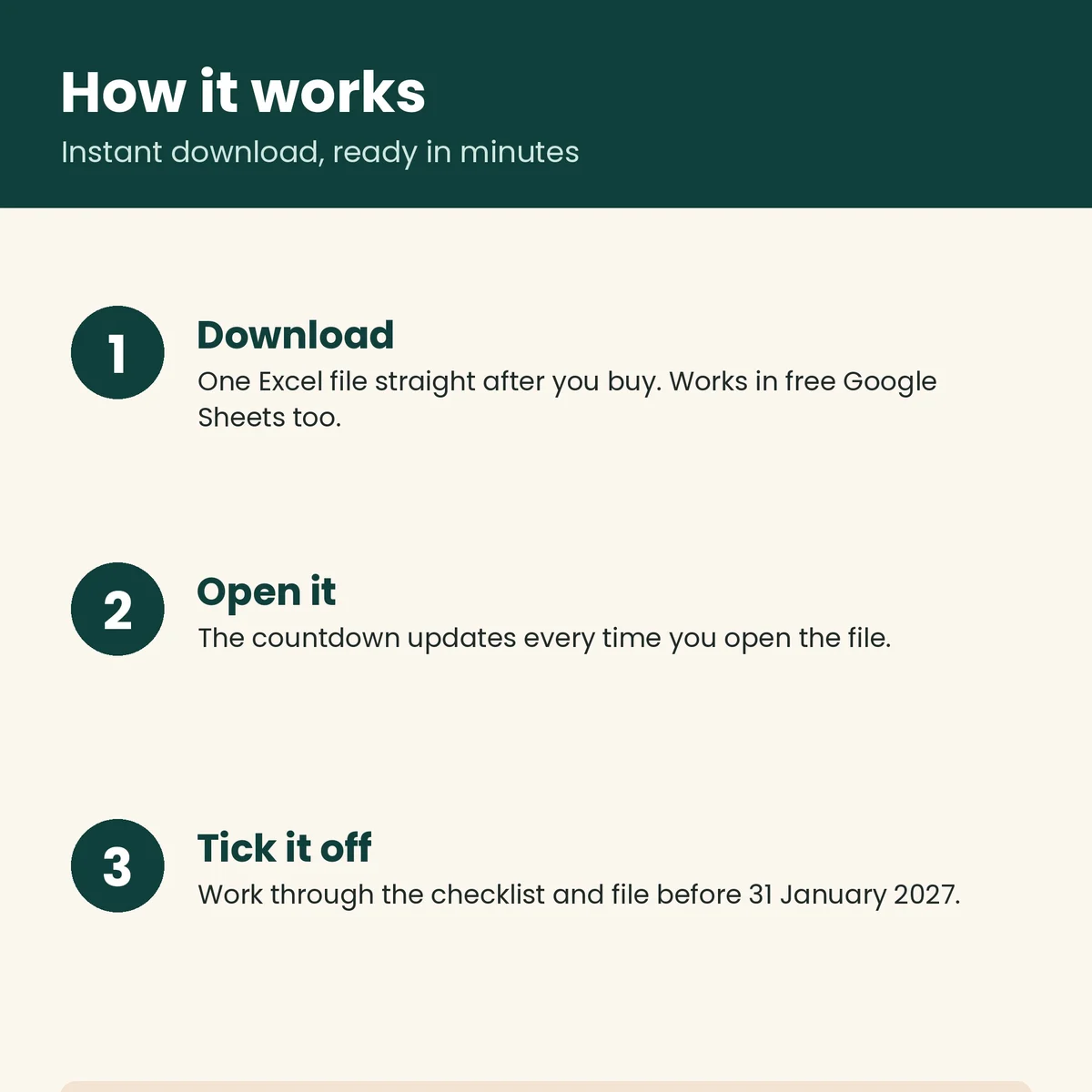
No. It works in free Google Sheets too (File, Import, Upload).
Is it a subscription?
No. Pay once and the file is yours to keep.
Is this tax advice?
No. It is a planning and record-keeping tool. Rules were checked against GOV.UK on 25 October 2026, and HMRC's own calculation is the official figure.
When do I get it?
Immediately, as soon as payment clears.
The SmartSaver promise
Instant download, yours to keep — no subscription. If a file is faulty or not as described, email team@getsmartsaver.co.uk within 30 days for a replacement or a refund. Lost your download link? We re-send it free.
A planning tool, not tax advice and not HMRC filing software.

Reviews
There are no reviews yet.