
Last updated: 12 November 2026
Short answer: An HMRC scam text or email often rushes or threatens you, arrives unexpectedly, asks for bank details, tells you to transfer money, or offers a refund, tax rebate or grant. Forward suspicious emails to report@phishing.gov.uk and texts to 7726 (free). For messages that claim to be from HMRC, send texts to 60599 (network charges apply) or email phishing@hmrc.gov.uk, then delete them. Report fake HMRC social media accounts to branddefence@hmrc.gov.uk. Do not reply, click links, download attachments or share bank details if you are unsure. The online Self Assessment deadline for 2025/26 returns is 31 January 2027.
Important: GetSmartSaver UK is an independent guide. This article is general information, not personal financial or tax advice. We are not regulated by the Financial Conduct Authority (FCA). If you are unsure about your own situation, check with HMRC or a qualified adviser.
Free download
The UK Savings Pot Tracker spreadsheet
Track every pot, rate and goal in one place. Enter your email and it is yours instantly, plus an occasional email when a money change affects you. Unsubscribe any time.
How to tell if an HMRC message is a scam
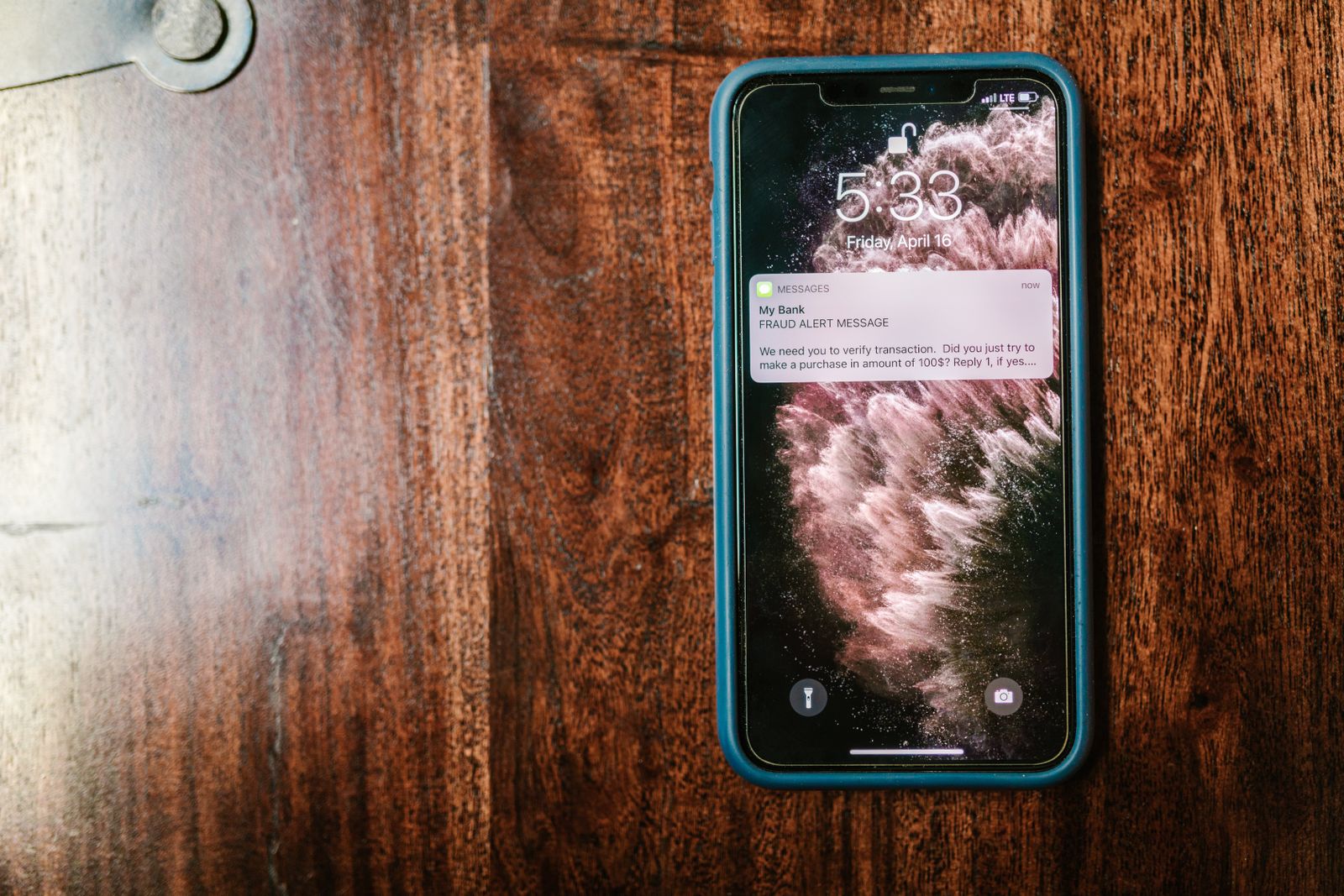
HMRC’s scam guidance (updated 6 October 2026) says a call, email, text or social media message could be a scam if it:
- rushes you
- is threatening
- is unexpected
- asks for personal information like bank details
- tells you to transfer money
- offers a refund, tax rebate or grant
HMRC does send texts to some customers, which might include a link to GOV.UK or HMRC webchat. A link is not proof the message is genuine. HMRC advises you not to open links or reply to a text claiming to be from HMRC that offers a tax refund in exchange for personal or financial details.
GOV.UK also says not to give out private information such as bank details or passwords, reply to texts, download attachments or click email links if you are not sure they are genuine.
What HMRC says it will never do
HMRC says it will never:
- leave a voicemail threatening legal action
- threaten arrest
- use social media to offer a tax rebate or to request personal or financial information
- ask you to pay with gift or payment vouchers
If you have subscribed to the UK Government Channel on WhatsApp, you may get occasional tax-related reminders as single-message alerts you cannot reply to. HMRC will not communicate with you for any other reason using WhatsApp.
HMRC uses QR codes in some letters. They usually take you to guidance on GOV.UK, and HMRC says it will tell you if a code takes you elsewhere. You will never be taken to a page where you have to input personal information.
How to report an HMRC scam text or email
GOV.UK’s general advice is:
- Forward suspicious emails to report@phishing.gov.uk. The National Cyber Security Centre (NCSC) will investigate them.
- Forward suspicious text messages to 7726. It is free and reports the message to your mobile phone provider.
For contact that claims to be from HMRC, HMRC’s own guidance is:
- Send suspicious text messages to 60599 (network charges apply) or email phishing@hmrc.gov.uk, then delete them.
- Send suspicious emails containing QR codes to phishing@hmrc.gov.uk, then delete them.
- Email the account name and social media platform of an unverified account claiming to be HMRC to branddefence@hmrc.gov.uk, and ignore the account.
If you’ve already shared details or lost money
If you have already shared personal details, HMRC says you can report that disclosure to the HMRC security team.
If you have been a victim of a scam and suffered financial loss:
- in England or Wales, contact Report Fraud online or call 0300 123 2040
- in Scotland, report it to Police Scotland (HMRC gives the number 101)
If you’ve already lost money, see our guide to bank scam refund rules in the UK.
Filing your return without falling for a fake message
The online deadline for 2025/26 Self Assessment returns is 31 January 2027. Use official GOV.UK services, your Personal Tax Account or the HMRC app, not links in unexpected messages.
If a message asks for your Unique Taxpayer Reference (UTR), use our guide to finding your UTR number rather than replying.
If you are working through the genuine deadlines, our Self Assessment deadline checklist for 2026-27 keeps the official dates in one place.
FAQs
What should I do if I get an HMRC scam text?
Do not reply, click any link or give out bank details. Forward it to 60599 (network charges apply) or email phishing@hmrc.gov.uk, then delete it. You can also forward it to 7726 for free.
Does HMRC send real text messages?
Yes, to some customers. A genuine text might include a link to GOV.UK or HMRC webchat. Use the checklist above, and do not open links or reply to a text offering a tax refund in exchange for your details.
What’s the difference between 7726 and 60599?
7726 is GOV.UK’s general number for suspicious texts. It is free and reports the message to your mobile provider. 60599 is HMRC’s number for texts that claim to be from HMRC. Network charges apply.
Will HMRC leave a voicemail threatening me or say I will be arrested?
No. HMRC says it will never leave a voicemail threatening legal action and will never threaten arrest.
Can HMRC offer me a tax rebate on social media?
No. HMRC will never use social media to offer a tax rebate or to request personal or financial information. Email the account name and platform to branddefence@hmrc.gov.uk and ignore the account.
I have already clicked a link or given my bank details. What should I do?
Report a disclosure of personal information to the HMRC security team. If you have lost money, contact Report Fraud in England or Wales, or Police Scotland if you are in Scotland. See our bank scam refund rules guide.
When is the Self Assessment deadline?
The online deadline for 2025/26 returns is 31 January 2027.
Sources (checked 12 November 2026)
- GOV.UK, Avoid and report internet scams and phishing: https://www.gov.uk/report-suspicious-emails-websites-phishing
- HMRC, Identify tax scams by phone, text, email or social media (updated 6 October 2026): https://www.gov.uk/guidance/identify-hmrc-related-scam-phone-calls-emails-and-text-messages
