Why this one
This is the other side of CIS. If you pay subcontractors you must verify each one, deduct at 20%, 30% or nothing depending on what the verification says, file a monthly return by the 19th and give every subcontractor a payment and deduction statement. Miss a monthly return and the penalty starts at £100. This workbook holds the verification numbers, calculates the deductions and produces the monthly totals and the statements.
What you get
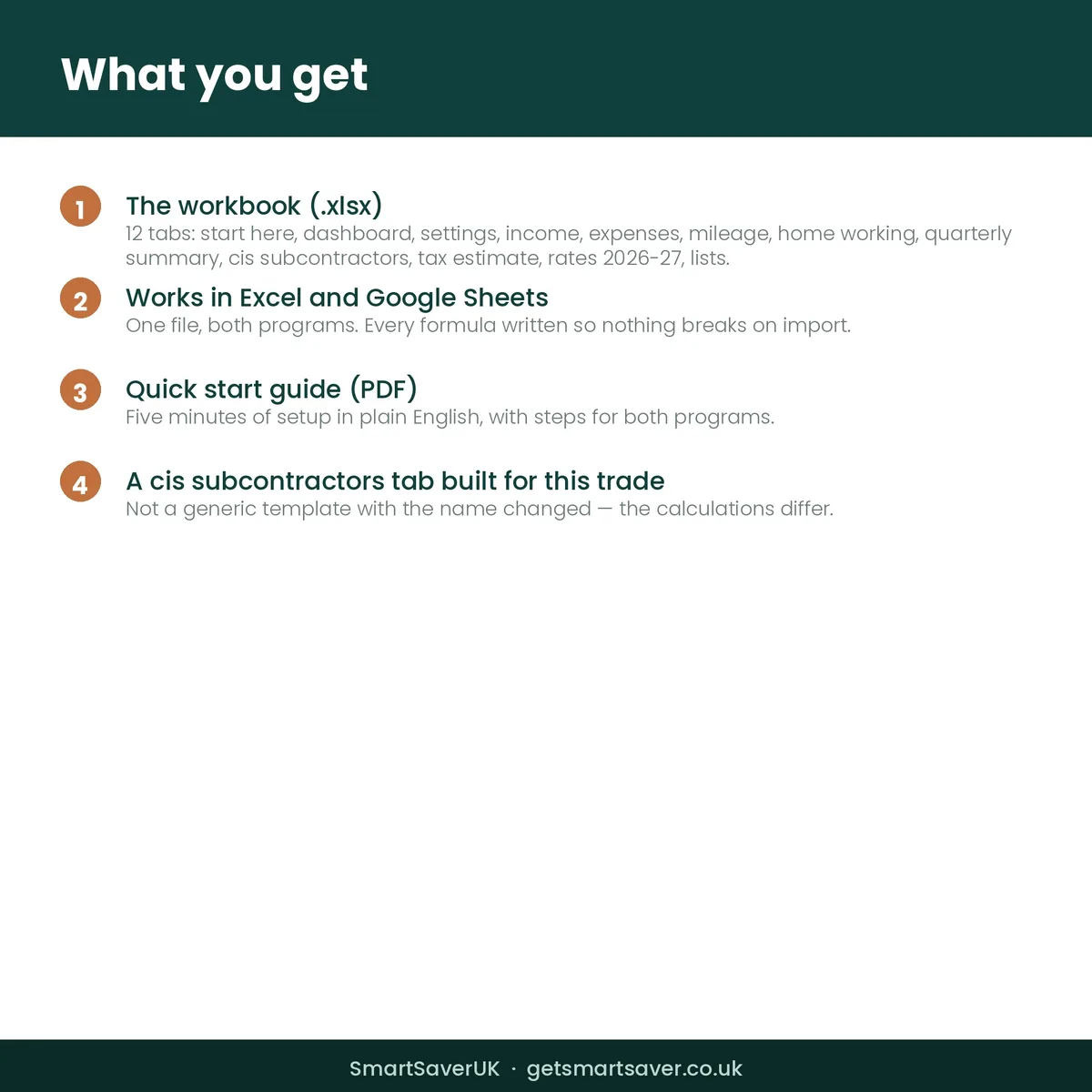
- One Excel workbook (.xlsx) with 12 tabs: Start Here, Dashboard, Settings, Income, Expenses, Mileage, Home Working, Quarterly Summary, CIS Subcontractors, Tax Estimate, Rates 2026-27, Lists
- A quick start guide (PDF) with instructions for Excel and for Google Sheets
- Income and expense categories written for your trade, not a generic list
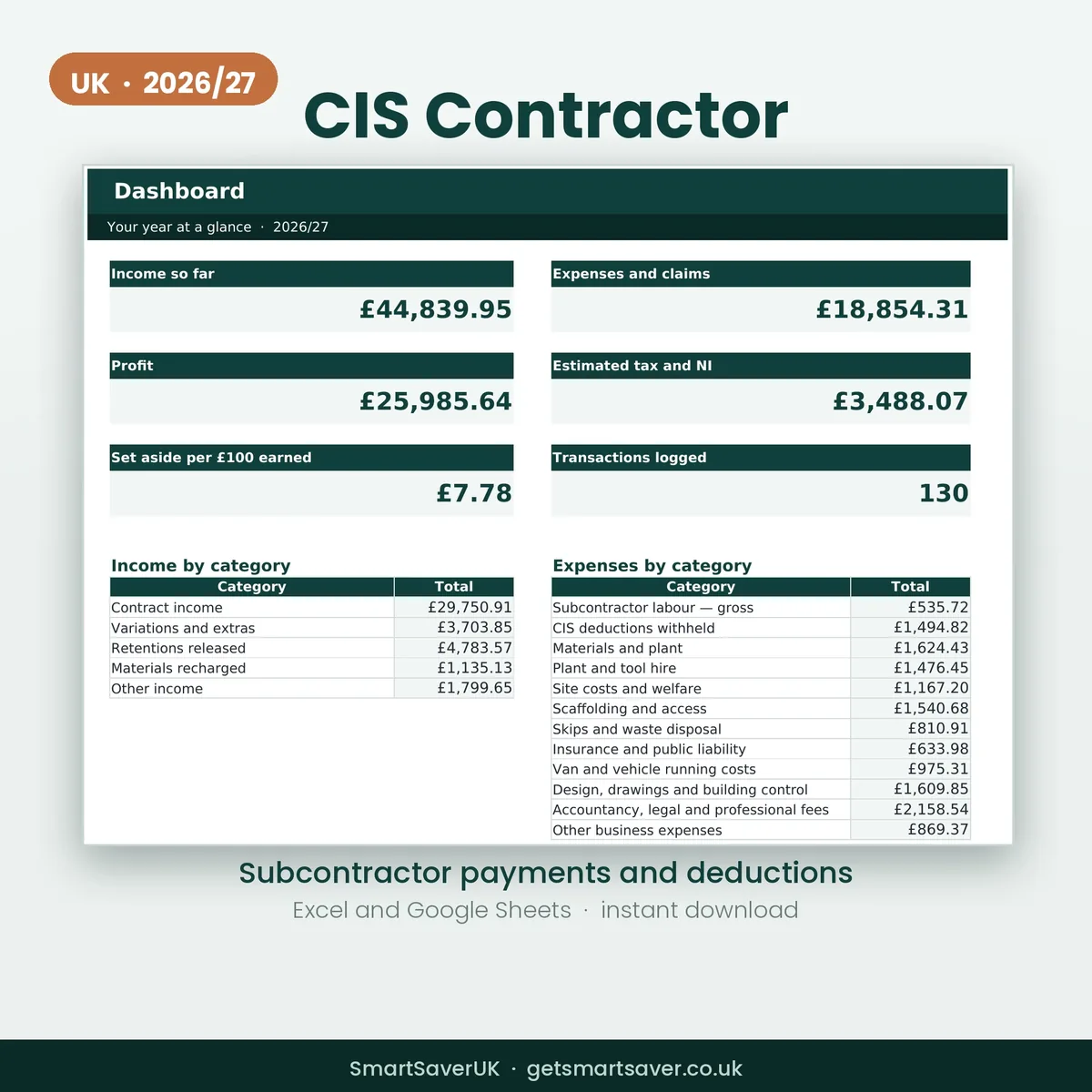
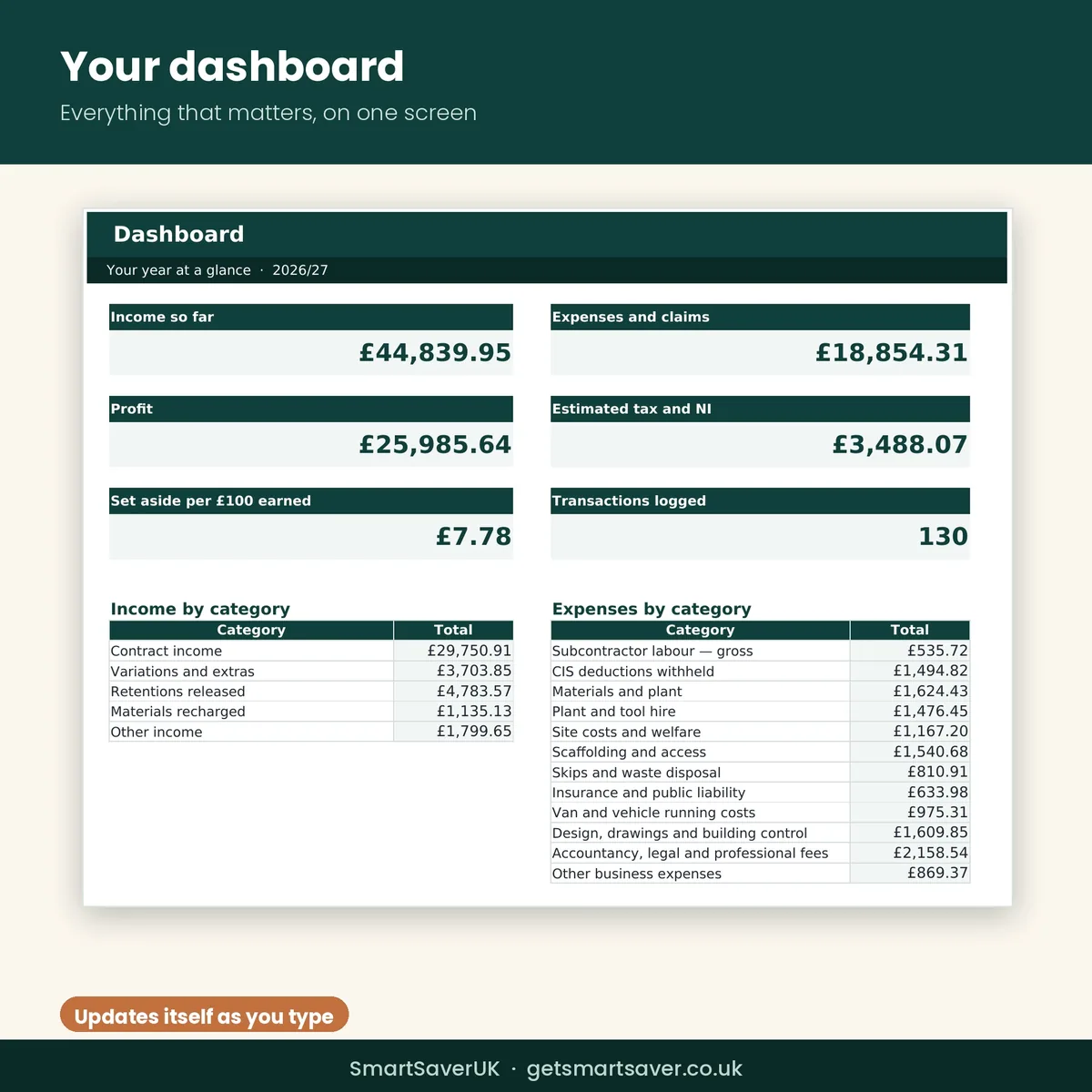
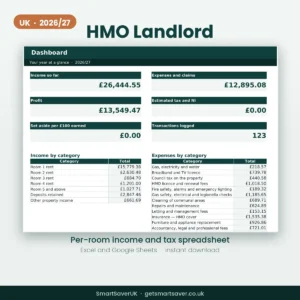
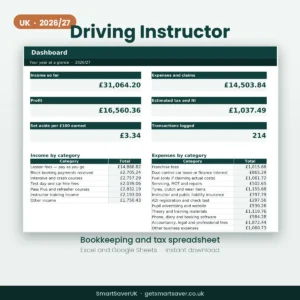
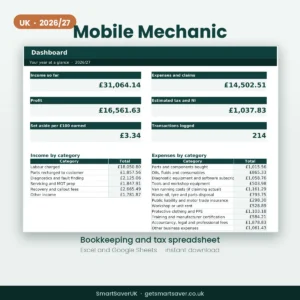
- A dashboard showing profit, tax to set aside and where the money went
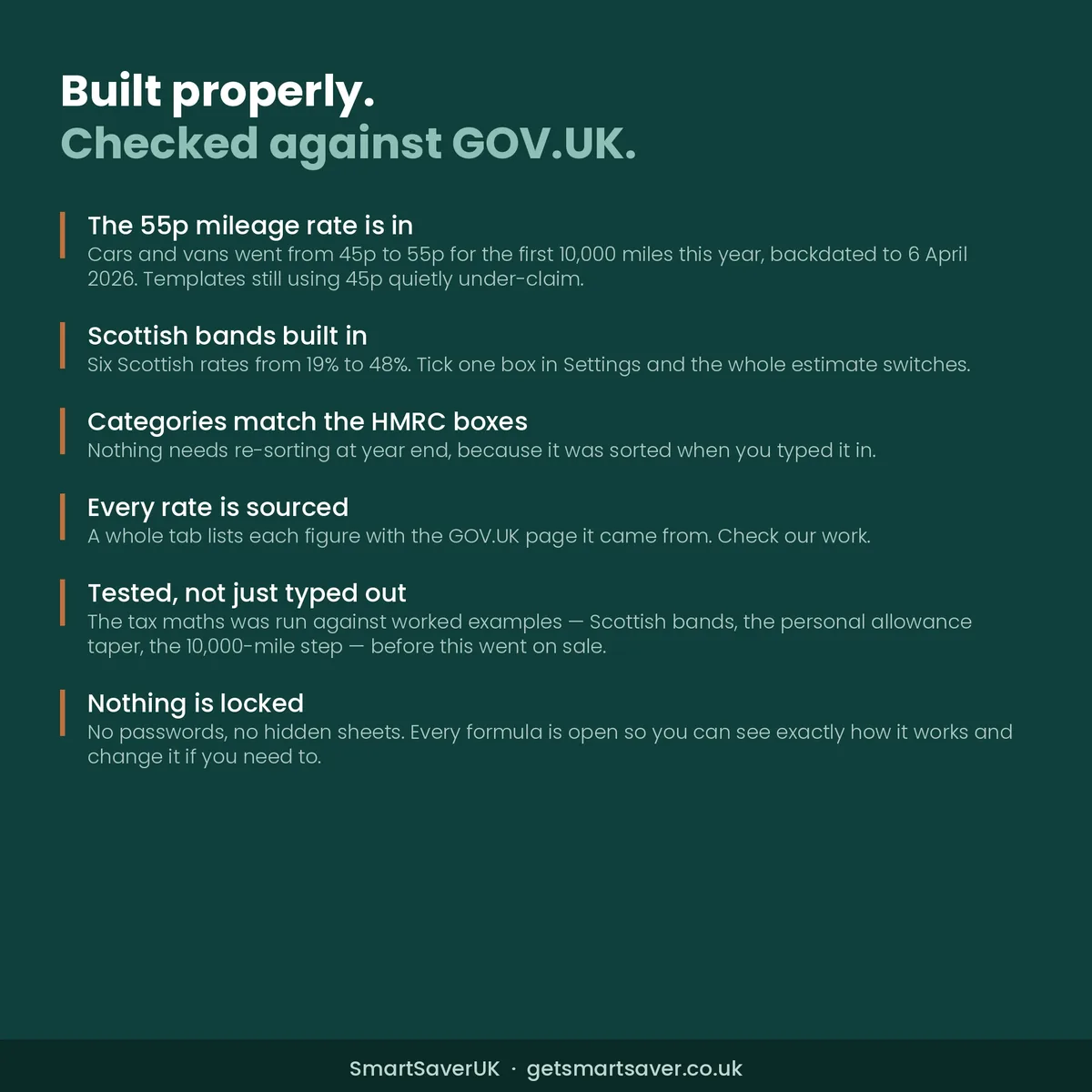
- A sourced rates tab listing every figure with the GOV.UK page it came from
Made for
Contractors and developers paying subcontractors under the Construction Industry Scheme.
Not the right fit for
Subcontractors receiving CIS deductions — the trades workbook covers that side.
Built for the 2026/27 UK tax year
Every figure is for the 2026/27 tax year and sits on its own tab with the GOV.UK page it came from, so you can check our working.
- Mileage at 55p for the first 10,000 miles, then 25p. This rose from 45p and was backdated to 6 April 2026, so older templates under-claim.
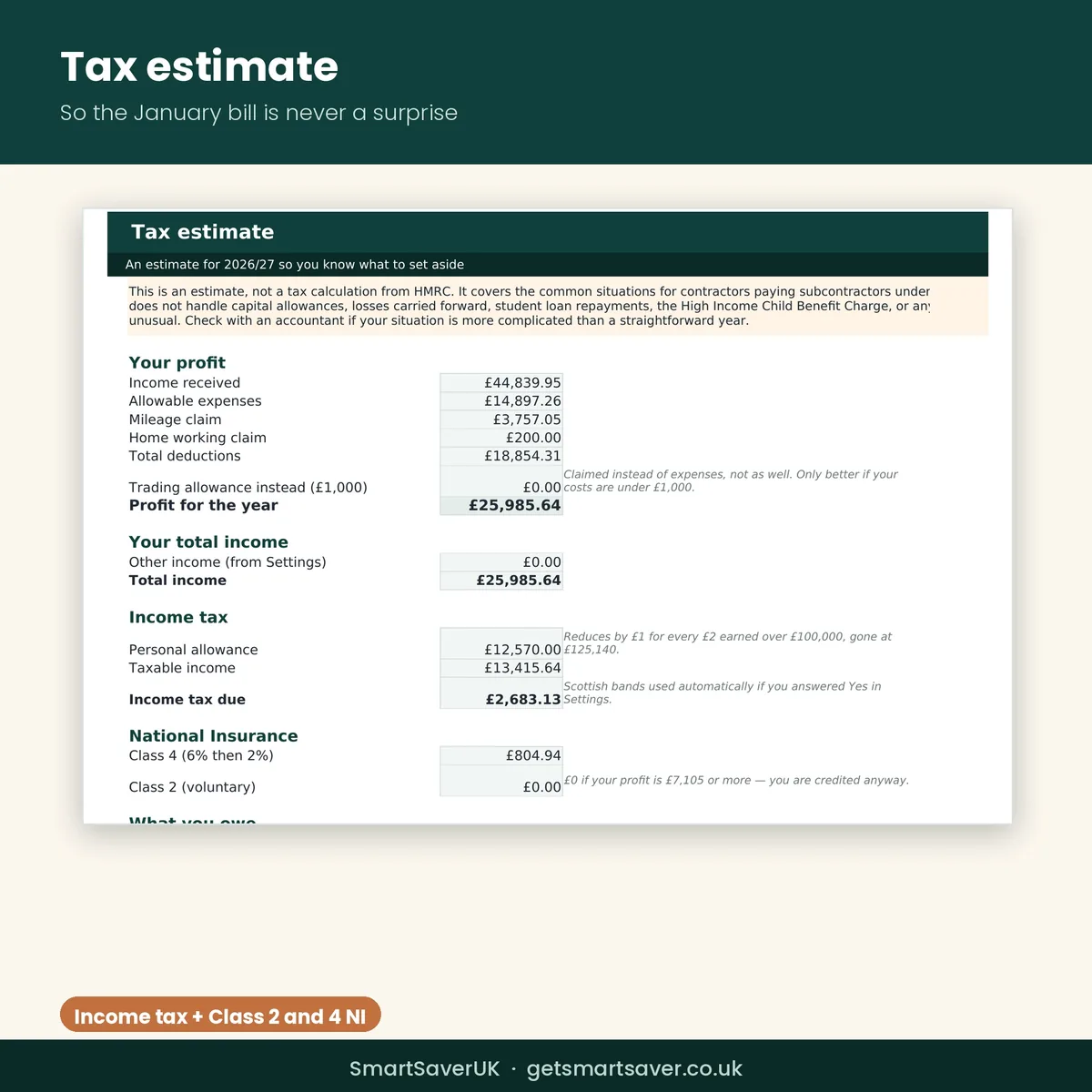
- Personal allowance of £12,570, with the taper above £100,000
- Income tax for England, Wales and Northern Ireland, and all six Scottish bands from 19% to 48%
- Class 4 National Insurance at 6% and 2%, and the Class 2 position
- Working from home flat rates of £10, £18 and £26 a month
- Expense categories matching the boxes on the HMRC self-employment pages, so nothing needs re-sorting in January
- Making Tax Digital quarter dates: 7 Aug 2026, 7 Nov 2026, 7 Feb 2027 and 7 May 2027
Questions
Do I need Microsoft Excel?
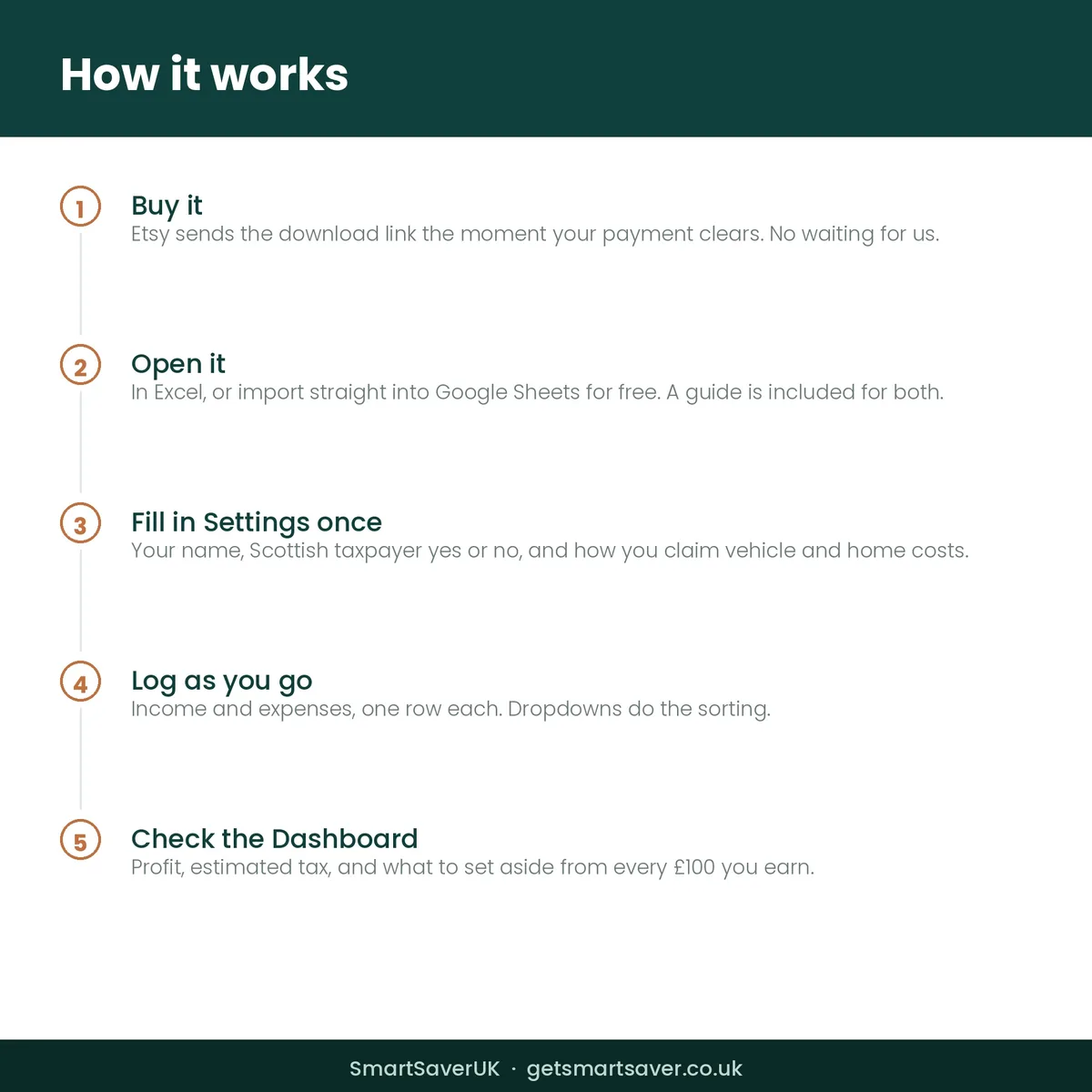
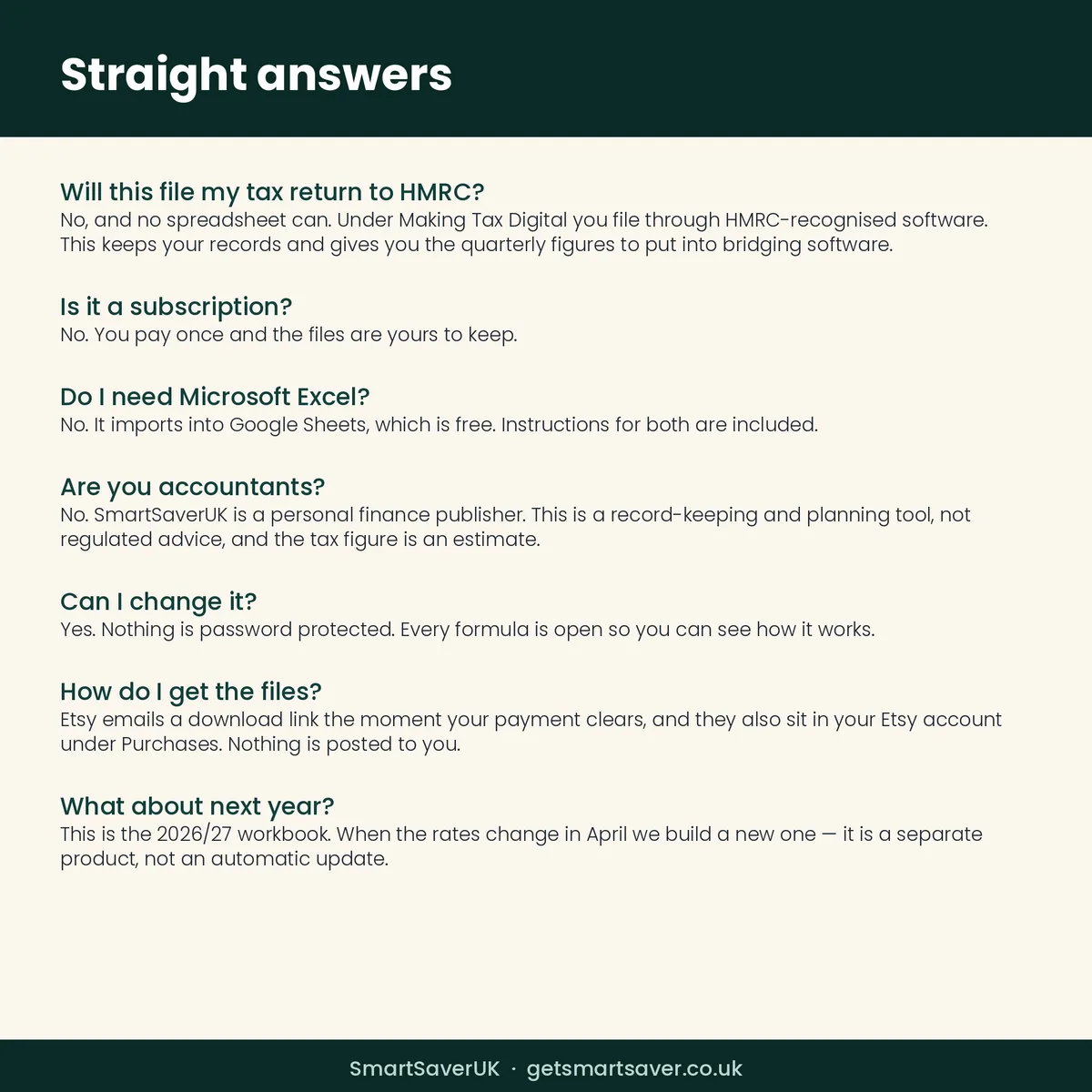
No. It imports into Google Sheets, which is free.
Is it a subscription?
No. Pay once and the files are yours to keep.
Can I change it?
Yes. Nothing is locked or password protected and every formula is visible.
When do I get it?
Immediately, as soon as payment clears.
Will it file my tax return?
No, and no spreadsheet can. It gives you the figures to file with.
What about next year?
This is the 2026/27 edition. April’s version is a separate product.
The SmartSaver promise
Instant download, yours to keep — no subscription. If a file is faulty or not as described, email team@getsmartsaver.co.uk within 30 days for a replacement or a refund. Lost your download link? We re-send it free.
General information to help you keep records and plan — not tax advice, and not HMRC filing software.

Reviews
There are no reviews yet.