Why this one
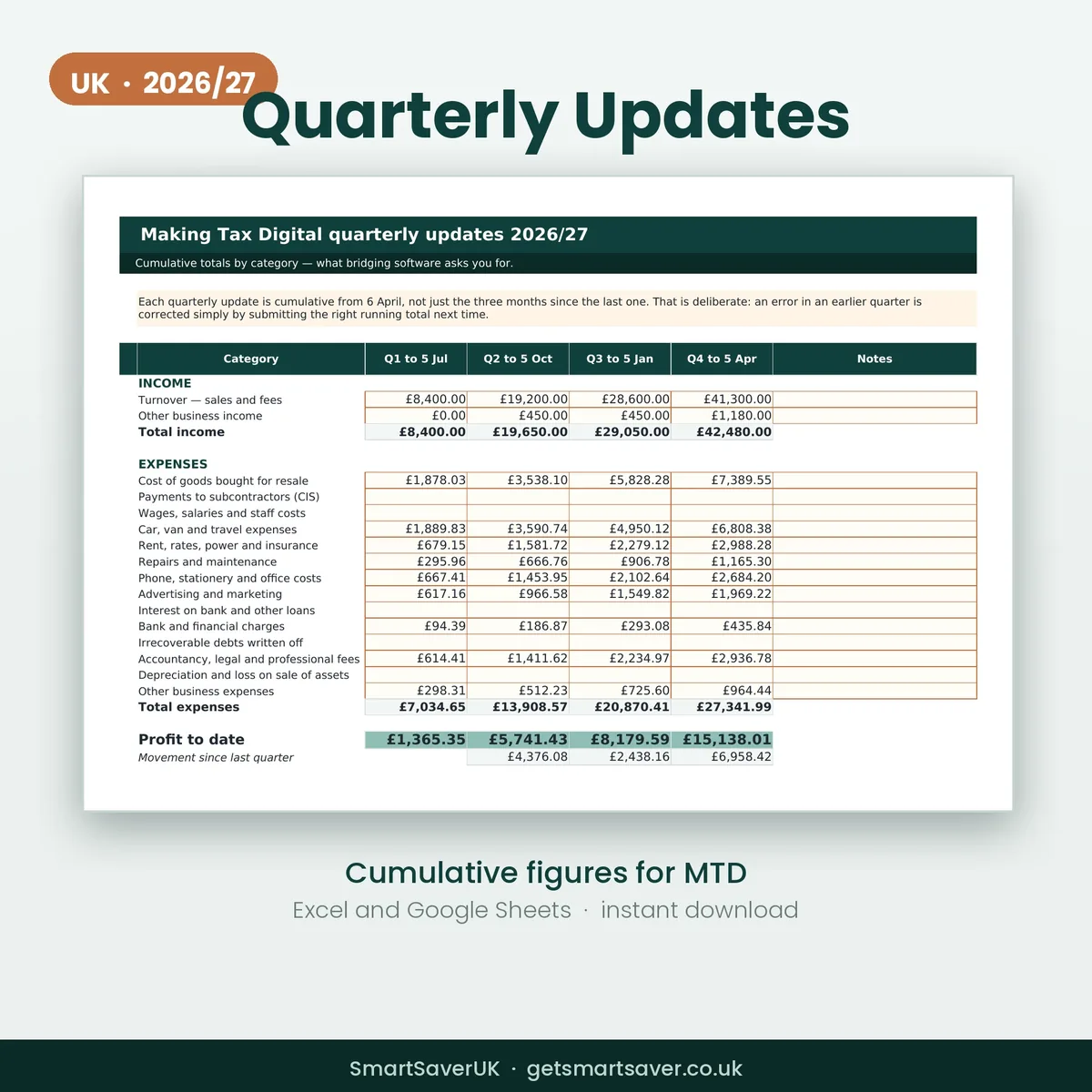
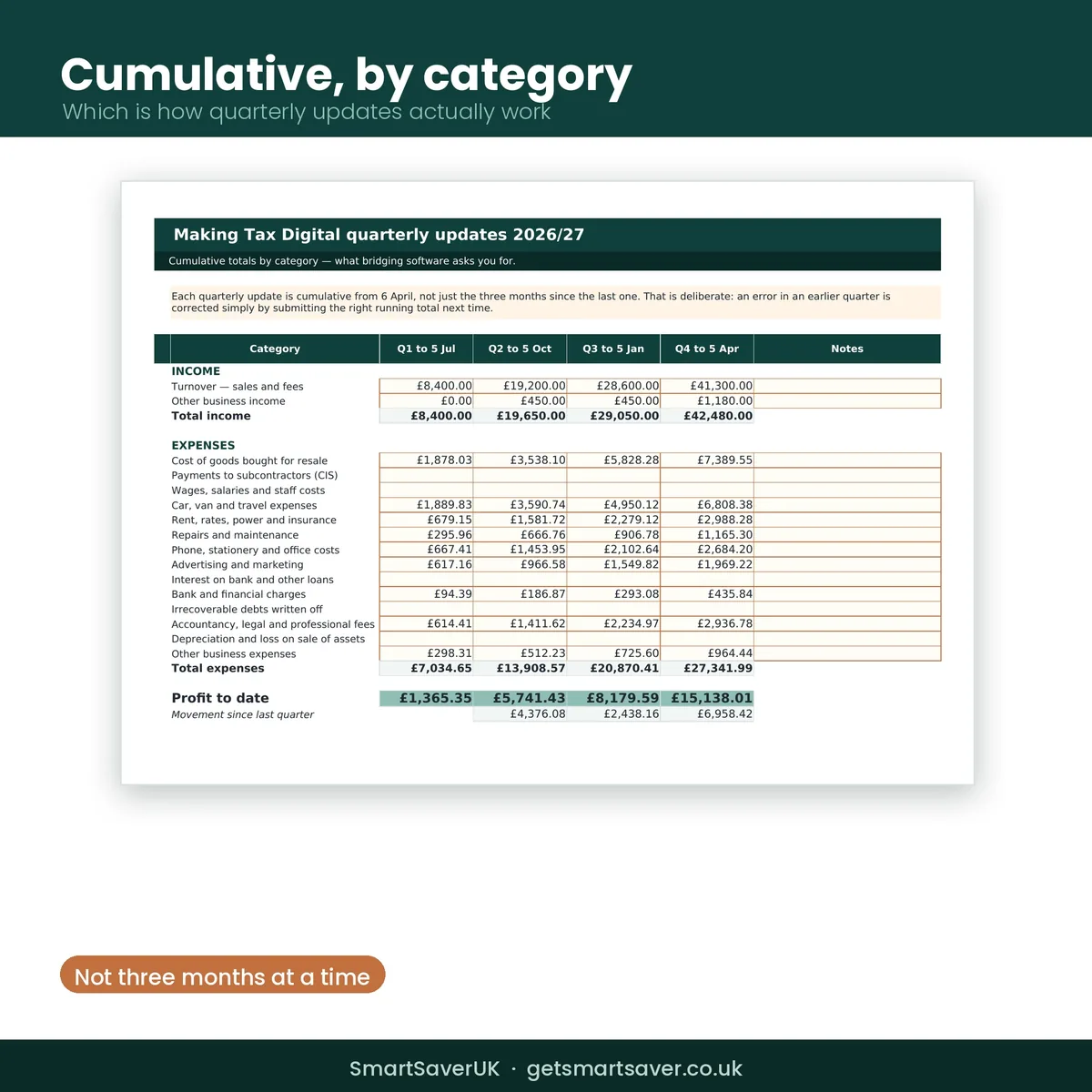
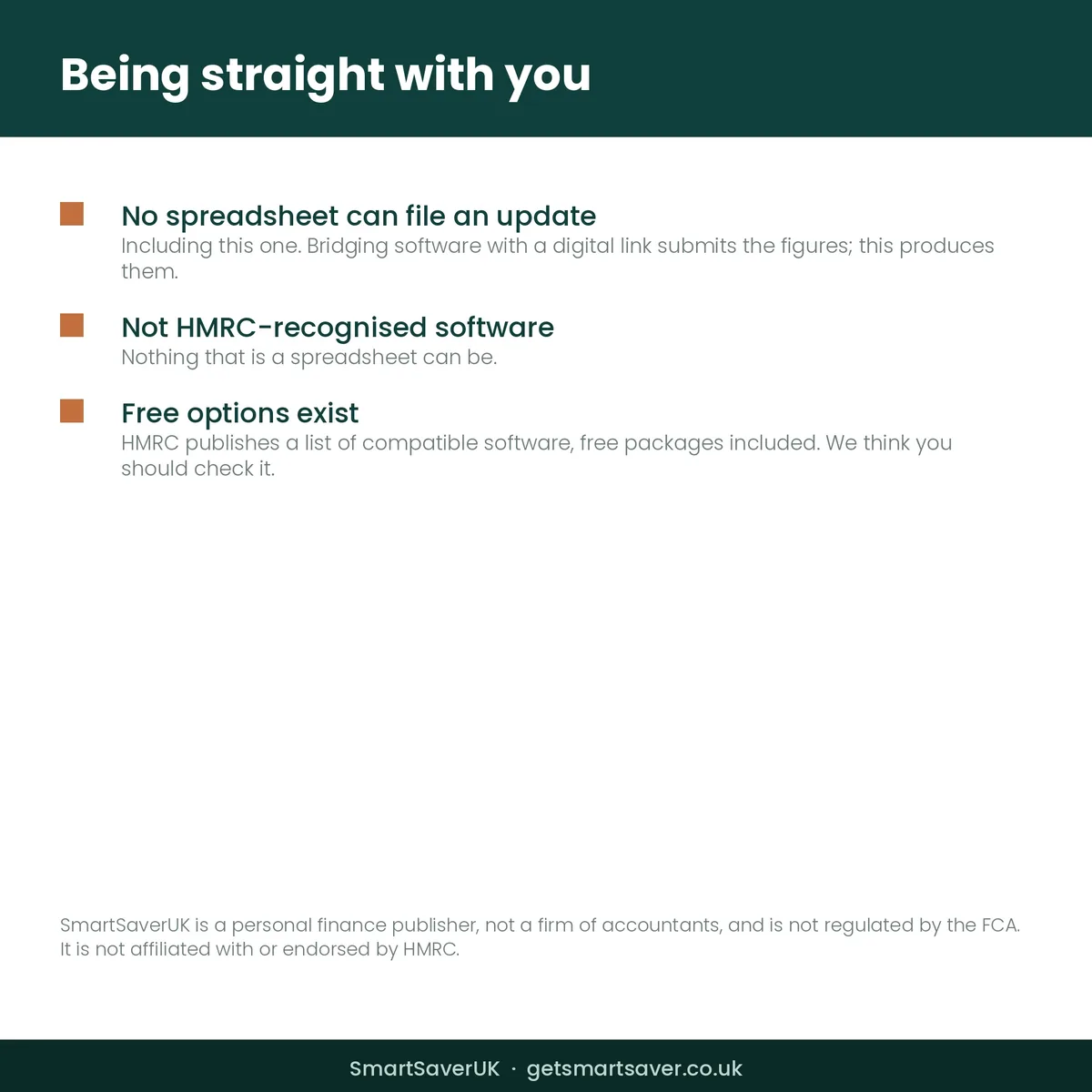
Quarterly updates are cumulative from 6 April, not three months at a time — which is the single thing most people get wrong first time. This produces the running totals by category in the shape bridging software asks for, and tells you whether you are in MTD at all and from when.
What you get
- One Excel workbook (.xlsx) with two tabs
- Quarterly Figures — income and expenses by category, cumulative across all four quarters
- The movement since the previous quarter, so you can sense-check each submission
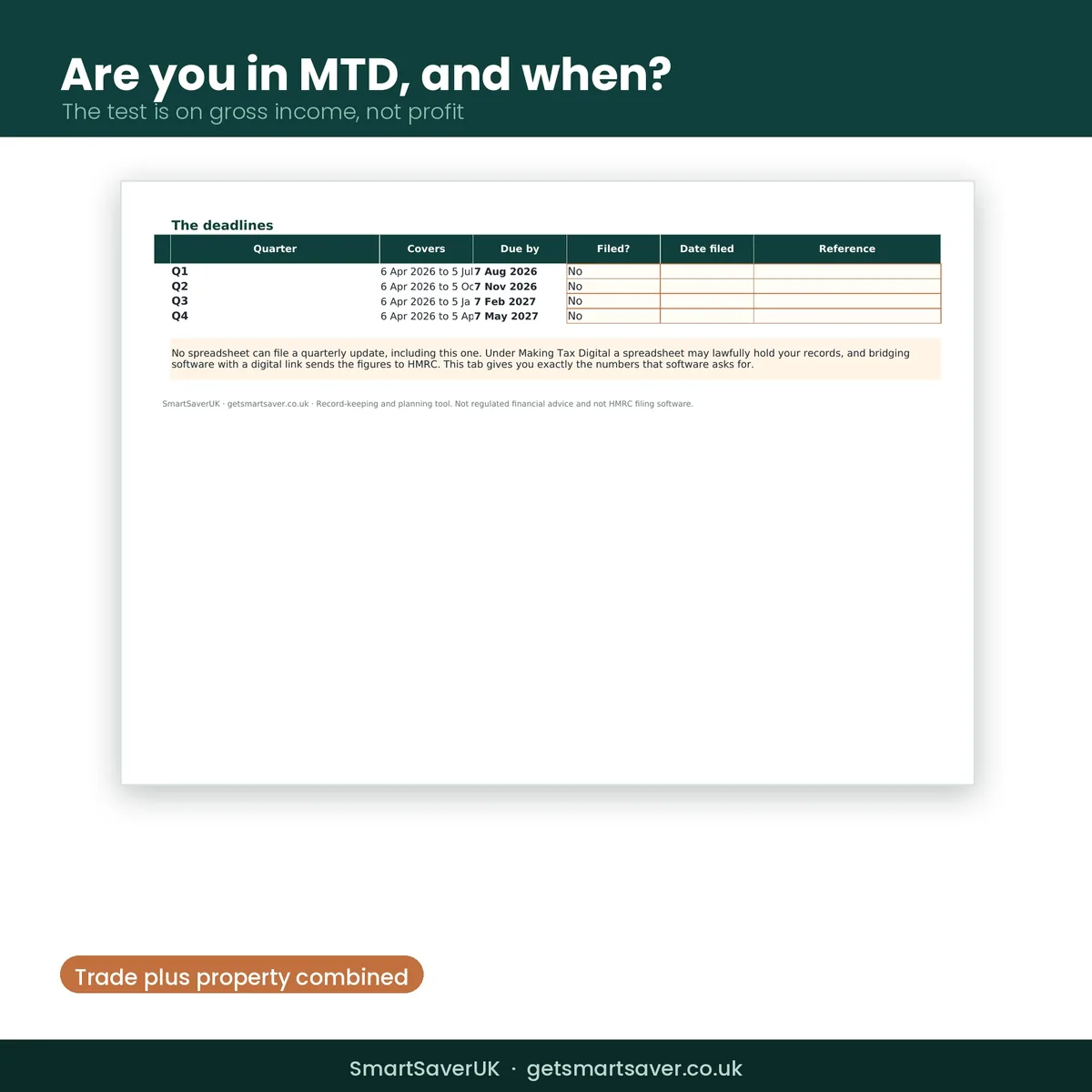
- The four deadlines with a filed or not filed column and space for the reference
- Am I In MTD — the gross income test, combining self-employment with property
Made for
Self-employed people and landlords inside MTD, or joining voluntarily.
Not the right fit for
Anyone expecting to file from a spreadsheet — no spreadsheet can, including this one.
Questions
Do I need Microsoft Excel?
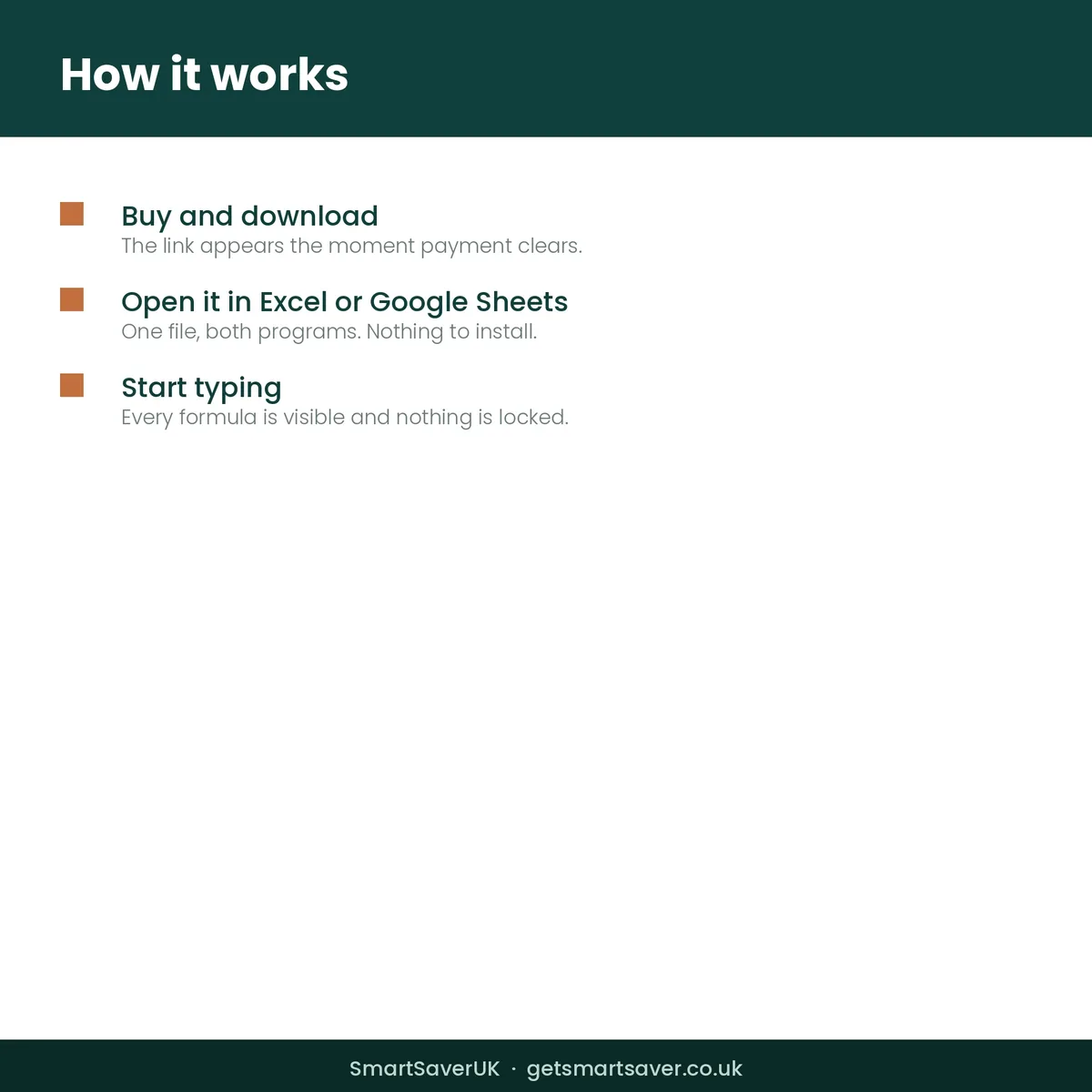
No. It imports into Google Sheets, which is free.
Is it a subscription?
No. Pay once and the file is yours to keep.
Can I change it?
Yes. Nothing is locked and every formula is visible.
When do I get it?
Immediately, as soon as payment clears.
Does it connect to my bank or to HMRC?
No. You type the figures in yourself.
What about next year?
This is the 2026/27 edition. April’s version is a separate product.
The SmartSaver promise
Instant download, yours to keep — no subscription. If a file is faulty or not as described, email team@getsmartsaver.co.uk within 30 days for a replacement or a refund. Lost your download link? We re-send it free.
General information to help you keep records and plan — not tax advice, and not HMRC filing software.
Reviews
There are no reviews yet.